Is this video AI, and how reliable is the AI video detector?
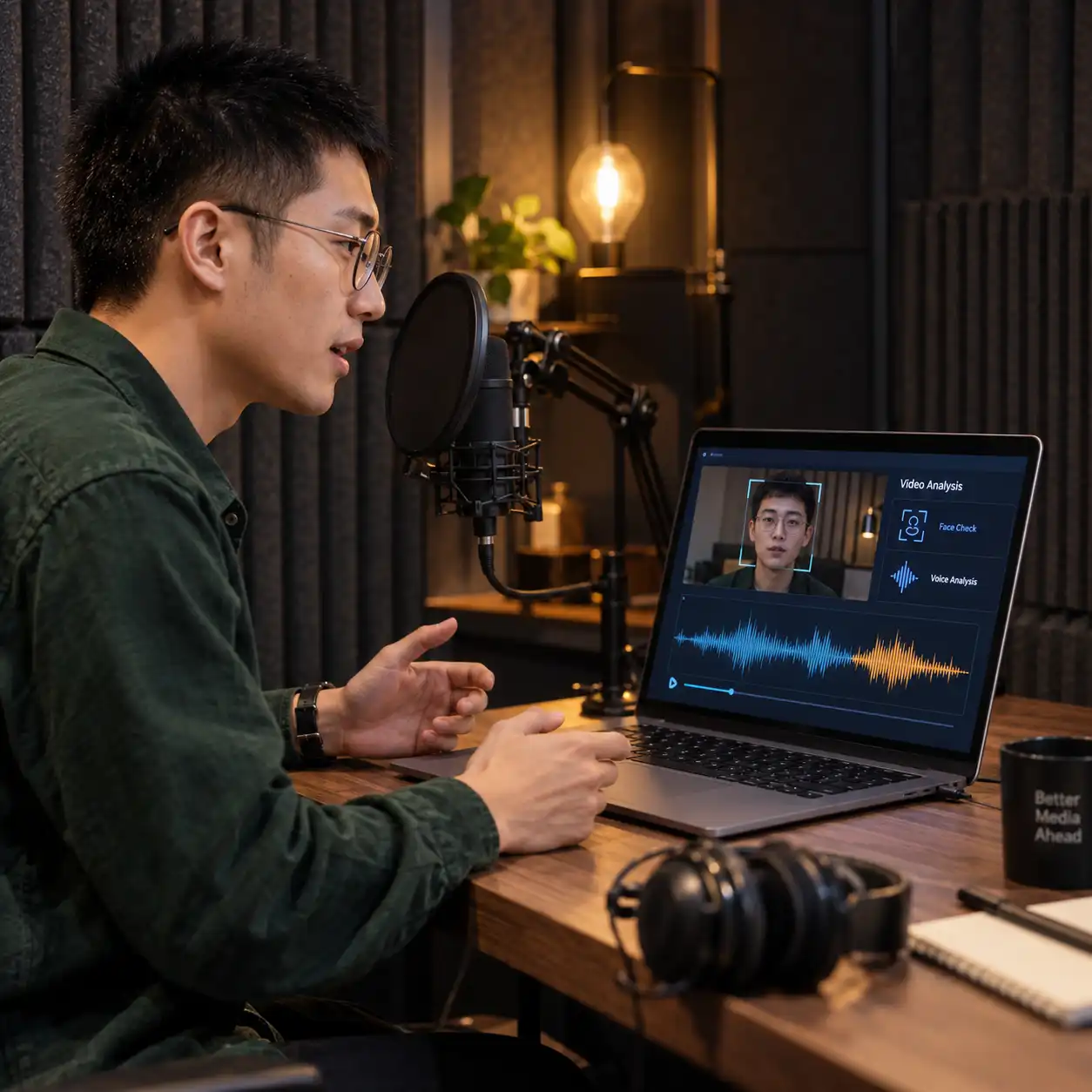
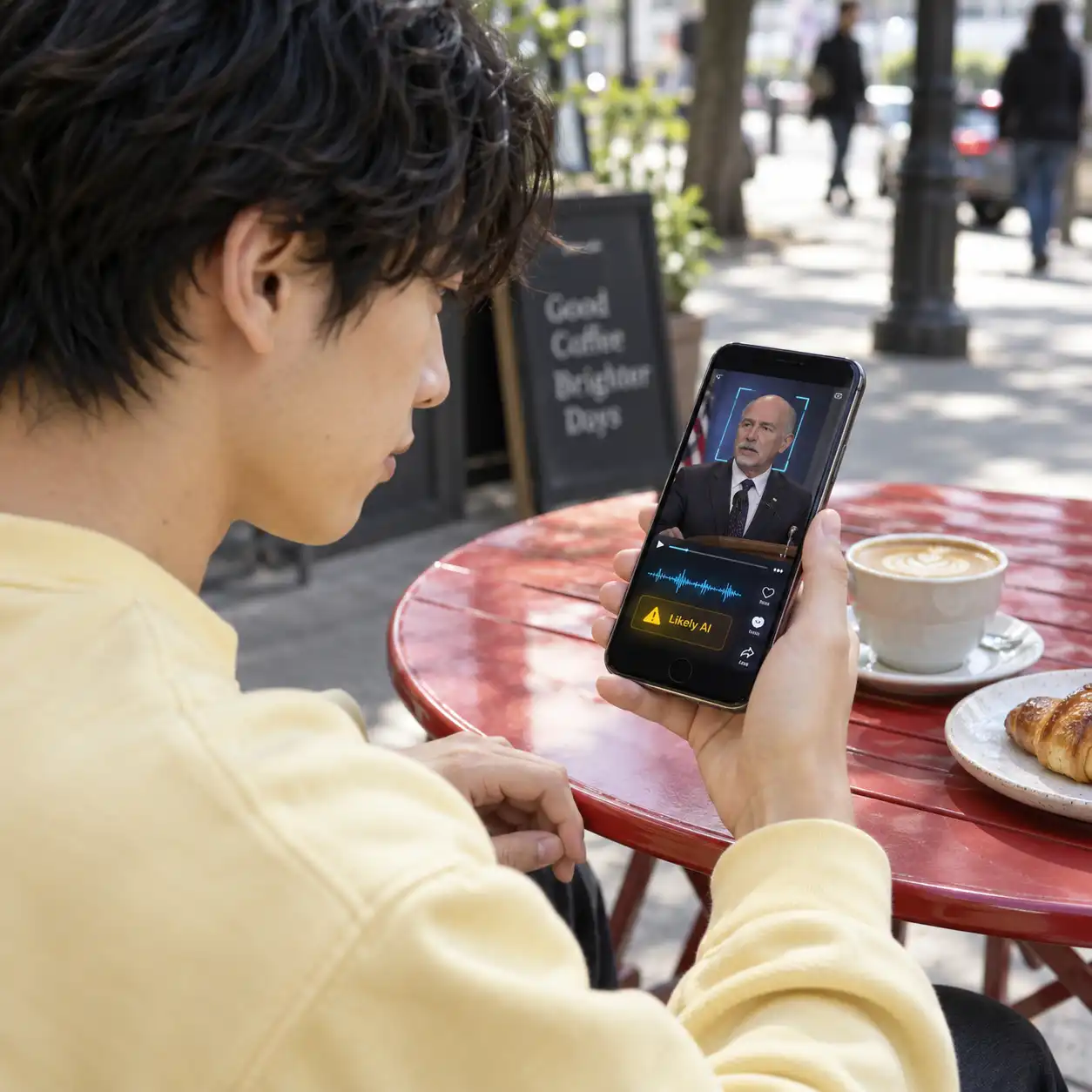
An AI video detector estimates whether content shows signs of generation; it cannot prove authenticity or establish that a claim is true. An “AI detector videos” search may suggest a simple yes-or-no answer, but compression, editing, and limited source quality can complicate interpretation. AI video detectors should support further investigation when the consequences matter. If you are searching for the best AI video detector online free, prioritize understandable findings and reviewable evidence over confident promises. To check if video is AI or not, examine the detailed analysis alongside original files, source information, and independent confirmation. Ask “is this video AI” as one part of verification, while considering whether the clip's context and claims are supported. A convincing face or familiar voice alone cannot resolve those questions, even when the recording looks consistent.
Can I try the AI video detector free without signing up?
Yes. Guests can try one video up to three minutes long and view detection results without logging in. This free AI video detector trial lets you explore the findings before creating an account. Registration automatically grants 10 free credits. Each minute costs 1 credit, rounded up per video. If you want to use the AI video detector free, choose the allowance that matches your situation and check your available credits before submitting. The AI video detector provides visual and voice analysis, so review both when assessing the recording. Free access is a starting point for verification, and longer-term or higher-volume use may require a subscription depending on your needs. Each uploaded file must stay within the 400 MB size limit. Try a short, relevant sample first so you can understand the report before reviewing more material.
How do I upload a file to the AI video detector?
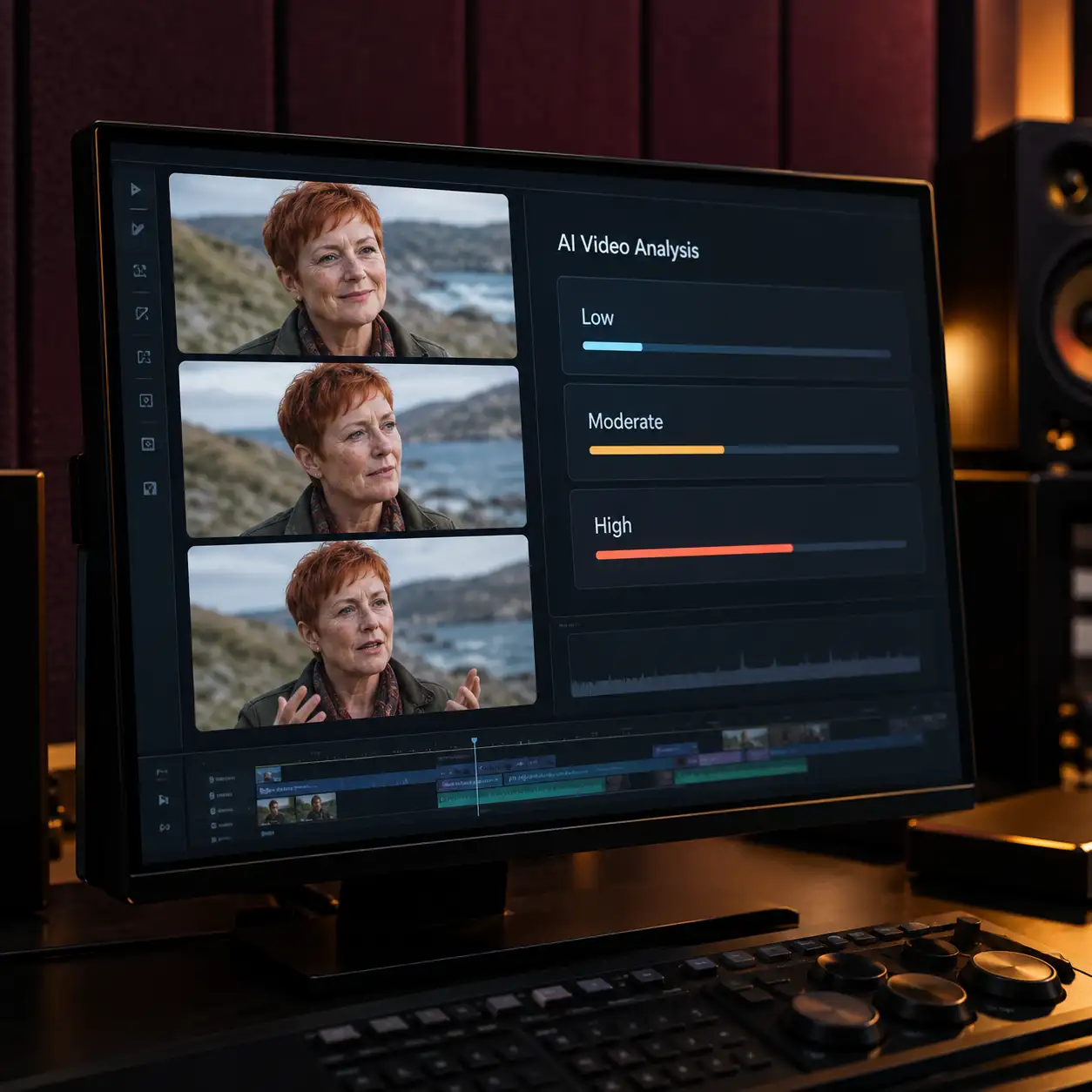
Upload a video no larger than 400 MB, start detection, and open the detailed results when processing finishes. The AI video detector provides findings for each frame it analyzes, alongside voice analysis and multiple detection conclusions. Your AI detector video report helps connect the overall assessment with the underlying material. Subscribers can adjust how many frames are checked per second; this setting is unavailable to regular users. The AI video detector also accepts batch uploads, while batch processing is a subscriber feature. Review the available settings before submitting a collection. Use the AI video detector results to identify which recordings need closer attention, and request original files when heavy editing or compression makes a finding difficult to interpret. Sampling determines which frames are inspected, so review the report with your chosen analysis settings in mind.
Can professional teams integrate the AI video detector through an API?
Yes. We provide API support for professional teams, backed by years of experience in AI content moderation and NSFW detection. Our AI video detector goes beyond one overall conclusion by providing detailed analysis of inspected frames and examining voice content for a broader assessment. An AI detector for video can add useful evidence to an existing review workflow when its findings remain connected to the source material. Use the AI video detector to inform escalation, supporting-document requests, or human review, according to your team's procedures. The AI video detector should remain one source of evidence in identity, security, hiring, moderation, or claims decisions. Establish how reviewers will interpret uncertain findings and combine them with relevant records before acting. For consequential decisions, define who reviews flagged material and what additional evidence is needed to resolve concerns.
How long does the AI video detector keep my uploaded material?
Storage depends on your subscription status. Subscribers receive permanent storage while their subscription remains active. For users without a subscription, videos are soft-deleted seven days after the task ends. If a subscription expires, stored material is soft-deleted seven days after expiration. Source videos and reports are permanently deleted ten days after soft deletion. When using the AI video detector, plan around the storage period that applies to your account, especially if a colleague needs to review findings later. Keep any source files you need under your own control. The AI video detector storage policy is separate from whether a recording appears suspicious; an assessment does not extend retention. Before relying on the AI video detector for ongoing review work, make sure your subscription status and internal recordkeeping plans match your requirements. Allow enough time for colleagues to complete any necessary review before the applicable storage period ends.
What should I know before subscribing to an AI video detector?
If you are comparing the best AI video detector online free, start with the guest trial or the credits available after login. Consider whether you need adjustable frame sampling, batch processing, or ongoing storage, since those subscription features can matter more than a single verdict. An AI video detector should fit the volume of material you review and the depth of analysis your team needs. Our refund policy allows an unconditional refund within three days, provided you have used no more than 5% of your usage allowance. Check both conditions when requesting a refund. Before subscribing, use the trial to inspect the reports, assess the visual and voice findings, and decide whether they provide useful direction for your verification process. Choose a plan around actual review needs, including how often you submit videos and revisit earlier findings.